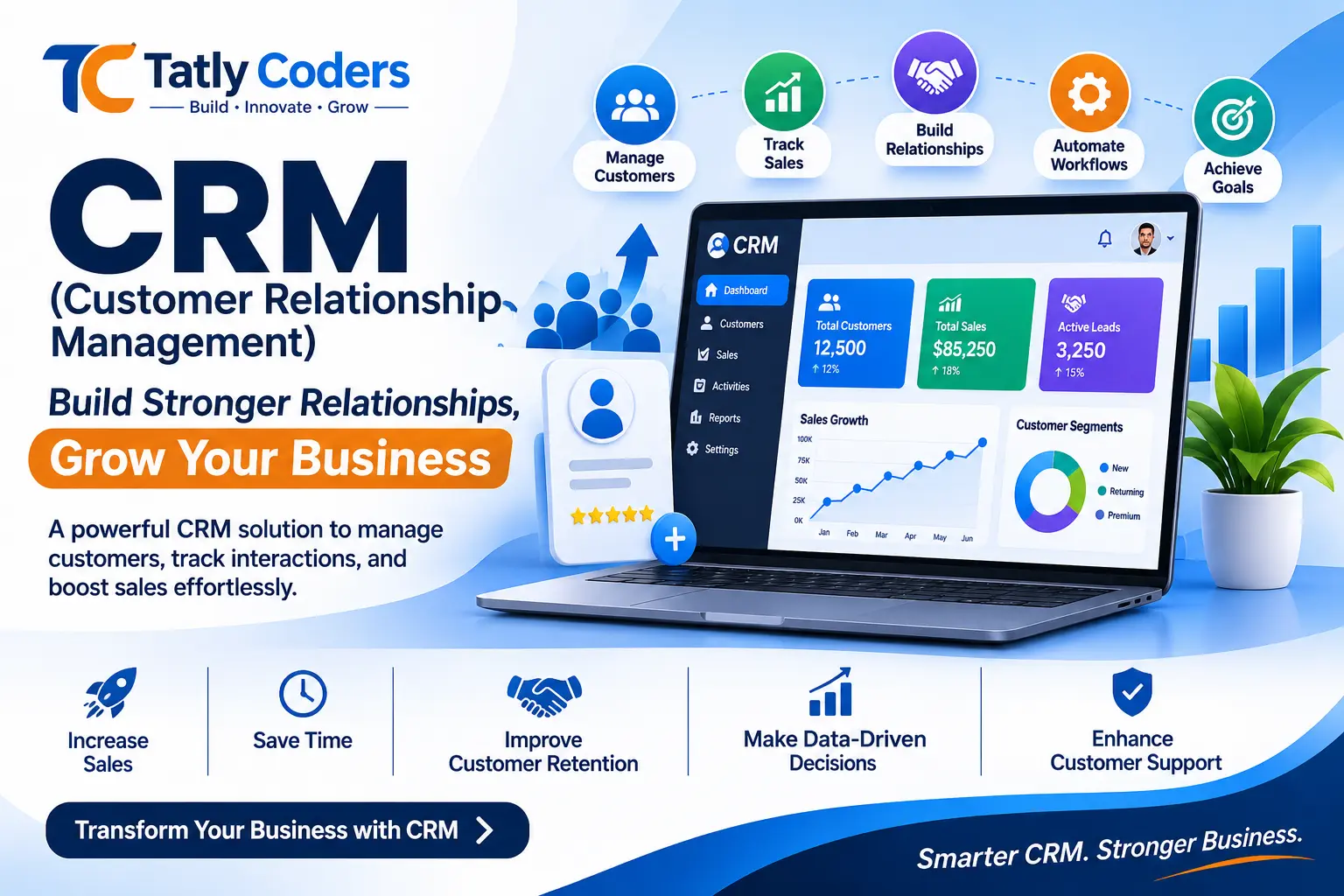
Managing customer relationships is one of the most important parts of running a successful business. As a company grows, handling customer information, sales activities, follow-ups and communication manually can become difficult. This is where CRM software plays an important role. CRM (Customer Relationship Management) software helps businesses organize customer data, manage sales processes and improve customer relationships. In this guide, we explain what CRM software is, its key features, benefits and how it can help businesses grow in 2026.
What Is CRM Software?
CRM software stands for Customer Relationship Management software. It is a business application designed to help companies manage customer information, track sales activities, maintain communication records and build better relationships with their customers.
A CRM system stores important customer details such as names, contact numbers, email addresses, enquiry history, purchase records and follow-up activities in one centralized platform. This allows employees to access relevant customer information and manage business interactions more efficiently.
How Does CRM Software Work?
CRM software collects and organizes customer information from different business channels, including website enquiries, phone calls, emails, social media and sales interactions. It helps teams manage the complete customer journey, from the first enquiry to successful conversion and ongoing customer support.
How a CRM System Manages Business Activities
- Lead management: Collect and organize potential customer enquiries from different sources.
- Customer management: Store customer profiles, contact information and interaction history.
- Sales tracking: Monitor sales opportunities, deal progress and conversion activities.
- Follow-up management: Schedule reminders and track pending customer communications.
- Reporting: Generate reports to understand sales performance and customer activity.
- Customer support: Manage complaints, service requests and customer communication.
Key Features of CRM Software
A good CRM system includes several features that help businesses manage customers, improve productivity and organize their sales operations. The required features depend on the company's size, industry and business processes.
1. Lead Management
Lead management helps businesses capture, organize and track potential customers. Companies can record enquiries, assign leads to sales representatives and monitor their progress until conversion.
2. Contact and Customer Management
This feature allows businesses to maintain centralized customer records, including contact details, communication history, previous purchases and important notes. Employees can quickly access customer information whenever required.
3. Sales Pipeline Management
Sales pipeline management helps businesses monitor opportunities at different stages of the sales process. Managers can identify pending deals, track sales progress and understand which opportunities require attention.
4. Task and Follow-Up Management
CRM software allows employees to schedule customer calls, meetings, reminders and follow-up activities. This reduces the chances of missing important customer interactions.
5. Reporting and Analytics
Reporting features provide useful insights into sales performance, lead conversion, employee productivity and customer activity. Business owners can use these reports to make informed decisions.
6. Email and Communication Management
CRM systems can help organize customer communication through email and supported communication integrations. This allows sales teams to maintain better records of customer interactions.
7. Role-Based Access and Permissions
Role-based access allows administrators to control which information employees can view, edit or manage. This helps businesses organize responsibilities and protect customer information.
8. Automation and Notifications
CRM automation can reduce repetitive tasks by sending reminders, assigning leads, updating statuses and triggering notifications based on predefined business rules.
Benefits of CRM Software for Businesses
Implementing CRM software can improve the way businesses manage customer relationships and daily operations. Here are some important benefits of using a CRM system.
1. Better Customer Relationship Management
A CRM system maintains customer information and interaction history in one place. This helps employees understand customer requirements and provide more consistent communication.
2. Improved Sales Management
Sales teams can track leads, monitor opportunities and manage follow-ups through a centralized dashboard. This makes it easier to understand sales activities and identify potential opportunities.
3. Increased Team Productivity
By organizing customer records and automating repetitive tasks, CRM software helps employees spend less time on manual administration and more time on meaningful business activities.
4. Better Customer Retention
Businesses can use customer interaction history, service records and follow-up reminders to maintain long-term relationships and provide more personalized customer experiences.
5. Centralized Business Information
Instead of maintaining customer details in multiple spreadsheets or disconnected systems, businesses can access important information through one centralized CRM platform.
6. Data-Driven Business Decisions
CRM reports help business owners understand sales performance, customer behaviour and operational activities. These insights can support better business planning and decision-making.
Types of CRM Software
CRM software can be categorized according to the business activities and objectives it supports. The most common types include the following:
1. Operational CRM
Operational CRM focuses on managing everyday business activities such as lead generation, sales processes, customer communication and service operations. It helps teams organize and automate routine workflows.
2. Analytical CRM
Analytical CRM focuses on collecting and analyzing customer and business data. It helps companies understand customer behaviour, sales trends and business performance through reports and analytics.
3. Collaborative CRM
Collaborative CRM helps different departments share relevant customer information and communication records. It improves coordination between sales, marketing and customer support teams.
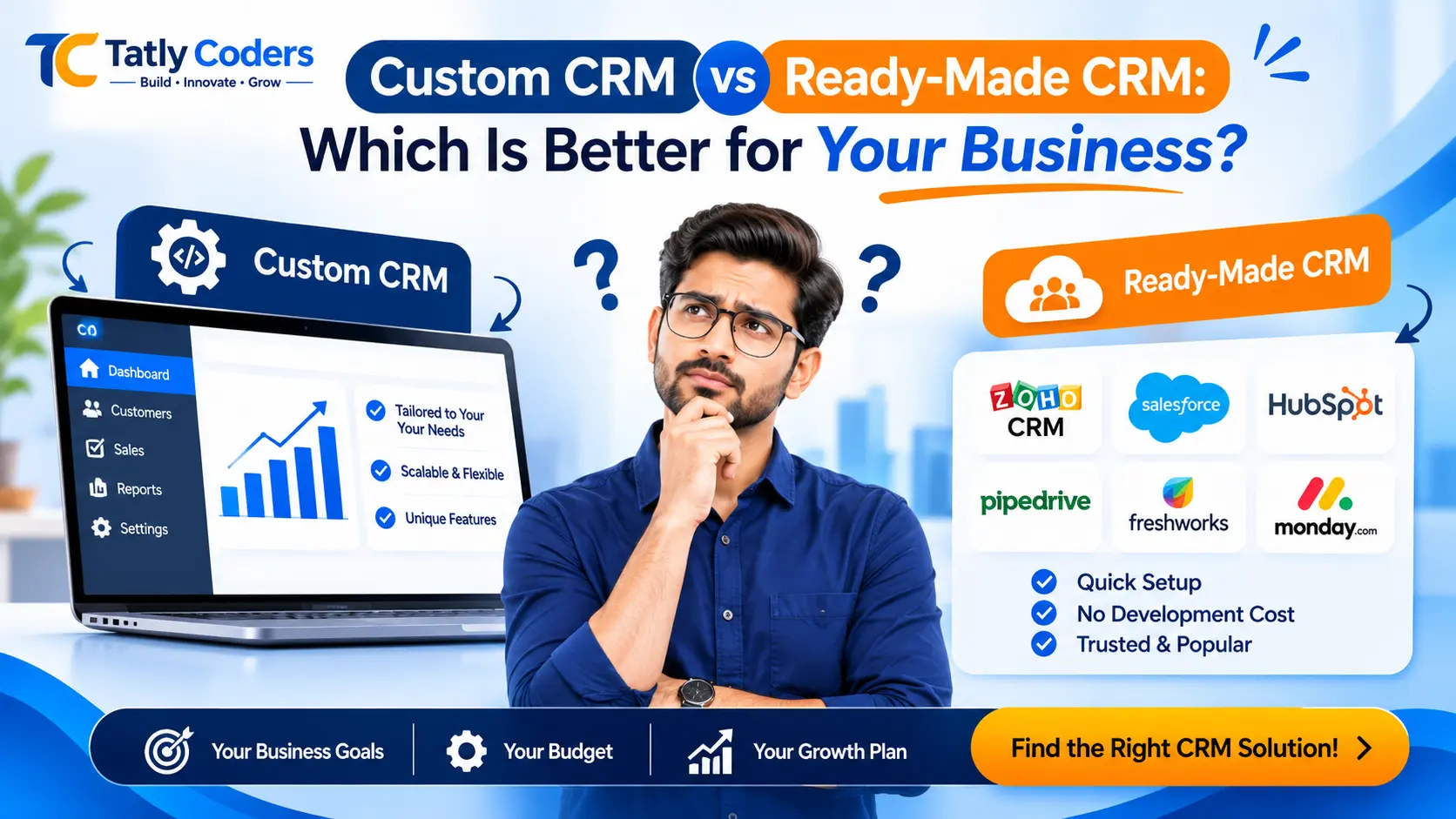
Custom CRM Software vs Ready-Made CRM Software
Businesses can choose between ready-made CRM platforms and custom CRM software depending on their requirements, budget and operational processes. Both options have different advantages.
| Comparison Factor | Ready-Made CRM | Custom CRM Software |
|---|---|---|
| Development | Already developed and available for use. | Developed according to specific business requirements. |
| Customization | Limited to available plans and supported features. | Features and workflows can be tailored to business needs. |
| Implementation | Generally faster to get started. | Requires planning, development and testing. |
| Integration | Depends on supported integrations and subscription plans. | Can be designed around required business systems and APIs. |
| Pricing | Often involves recurring subscription charges. | Usually requires an initial development investment and ongoing maintenance. |
| Ownership and Control | Platform features and infrastructure are controlled by the provider. | Control depends on the agreed development, hosting and ownership arrangements. |
A ready-made CRM can be suitable for businesses that need standard customer management features. Custom CRM software may be a better option when a company requires specialized workflows, unique integrations or industry-specific functionality.
Which Businesses Need CRM Software?
CRM software is useful for businesses that regularly interact with customers, manage enquiries or handle sales activities. It can support organizations across different industries.
- Real Estate: Manage property enquiries, customer details, site visits and sales follow-ups.
- Healthcare: Organize patient enquiries, appointment communication and customer service workflows.
- Education: Manage student enquiries, admission follow-ups and communication with parents.
- Retail: Maintain customer records, purchase history and sales interactions.
- Manufacturing: Organize business enquiries, distributor information and sales opportunities.
- Professional Services: Manage client information, project enquiries and ongoing communication.
- IT Companies: Track project enquiries, potential clients, proposals and sales opportunities.
How to Choose the Right CRM Software for Your Business
Selecting the right CRM system requires understanding your business requirements and daily customer management processes. Before choosing a solution, consider the following factors.
- Identify your requirements: List the customer management, sales and reporting activities your business needs to handle.
- Check essential features: Evaluate lead management, customer records, sales pipelines, reminders and reporting.
- Consider integration requirements: Check whether the CRM can connect with your website, email, accounting software and other business applications.
- Evaluate security: Review user permissions, data protection, backup policies and access controls.
- Consider future growth: Select a solution that can support additional users, customers and business operations.
- Compare total costs: Consider implementation, subscriptions, customization, hosting, support and maintenance expenses.
Why Choose Custom CRM Software Development?
Every business follows different customer management and sales processes. A standard CRM platform may not always provide the flexibility required to manage specialized workflows. Custom CRM software development allows businesses to build a system around their specific operational requirements.
A custom CRM solution can include personalized dashboards, lead assignment, sales pipeline management, automated follow-ups, customer records, reporting and third-party integrations. Businesses can select the features they actually need instead of depending entirely on a predefined platform.
Custom CRM Development Services at Tatly Coders
At Tatly Coders, we provide website development and custom software development solutions designed around business requirements. We can help businesses plan and develop CRM applications with features for customer management, lead tracking, sales activities, reporting and workflow automation.
Whether you are a startup, small business or growing organization, our team can help you explore a CRM solution that supports your business operations.
If you are planning to build a custom CRM system, explore our development services or contact our team to discuss your project requirements.
Frequently Asked Questions About CRM Software
1. What does CRM software stand for?
CRM stands for Customer Relationship Management. CRM software helps businesses organize customer information, manage sales activities, track enquiries and improve customer communication.
2. What is the main purpose of CRM software?
The main purpose of CRM software is to centralize customer information and help businesses manage relationships, sales opportunities, follow-ups and customer interactions more efficiently.
3. Is CRM software suitable for small businesses?
Yes. CRM software can help small businesses organize customer enquiries, manage sales activities, schedule follow-ups and maintain customer records as their operations grow.
4. What are the most important features of CRM software?
Important CRM features include lead management, contact management, sales pipeline tracking, task reminders, reporting, communication management, user permissions and workflow automation.
5. What is the difference between custom CRM and ready-made CRM?
Ready-made CRM software provides predefined features and workflows, while custom CRM software is developed according to specific business requirements, processes and integration needs.
6. Can CRM software be integrated with a business website?
Yes. CRM software can be integrated with a business website through forms, APIs and other supported integration methods to automatically transfer customer enquiries into the CRM system.
7. How much does custom CRM software development cost?
The cost depends on the required features, application complexity, integrations, user roles, design and development timeline. A basic CRM system generally requires a smaller investment than a complex enterprise CRM platform. Businesses should define their requirements before requesting a development quotation.
8. Can CRM software automate sales activities?
Yes. Depending on its features, CRM software can automate lead assignment, follow-up reminders, notifications, task creation and other repetitive sales activities.
Conclusion
CRM software helps businesses manage customer relationships, organize sales activities and improve daily operations through a centralized platform. From lead management and customer communication to reporting and automation, a CRM system can support businesses at different stages of growth.
Choosing between ready-made CRM software and a custom CRM solution depends on your business requirements, budget and future plans. If your business needs specialized workflows or integrations, custom CRM development may provide greater flexibility.
Looking to develop a CRM solution for your business? Contact Tatly Coders to discuss your requirements and explore the right software development approach for your organization.